

WooCommerce is a popular eCommerce platform that allows businesses to sell products online through WordPress websites. It offers several built-in product types, including simple products, variable products, grouped products, and virtual products. However, some businesses need additional features that standard WooCommerce options cannot provide. 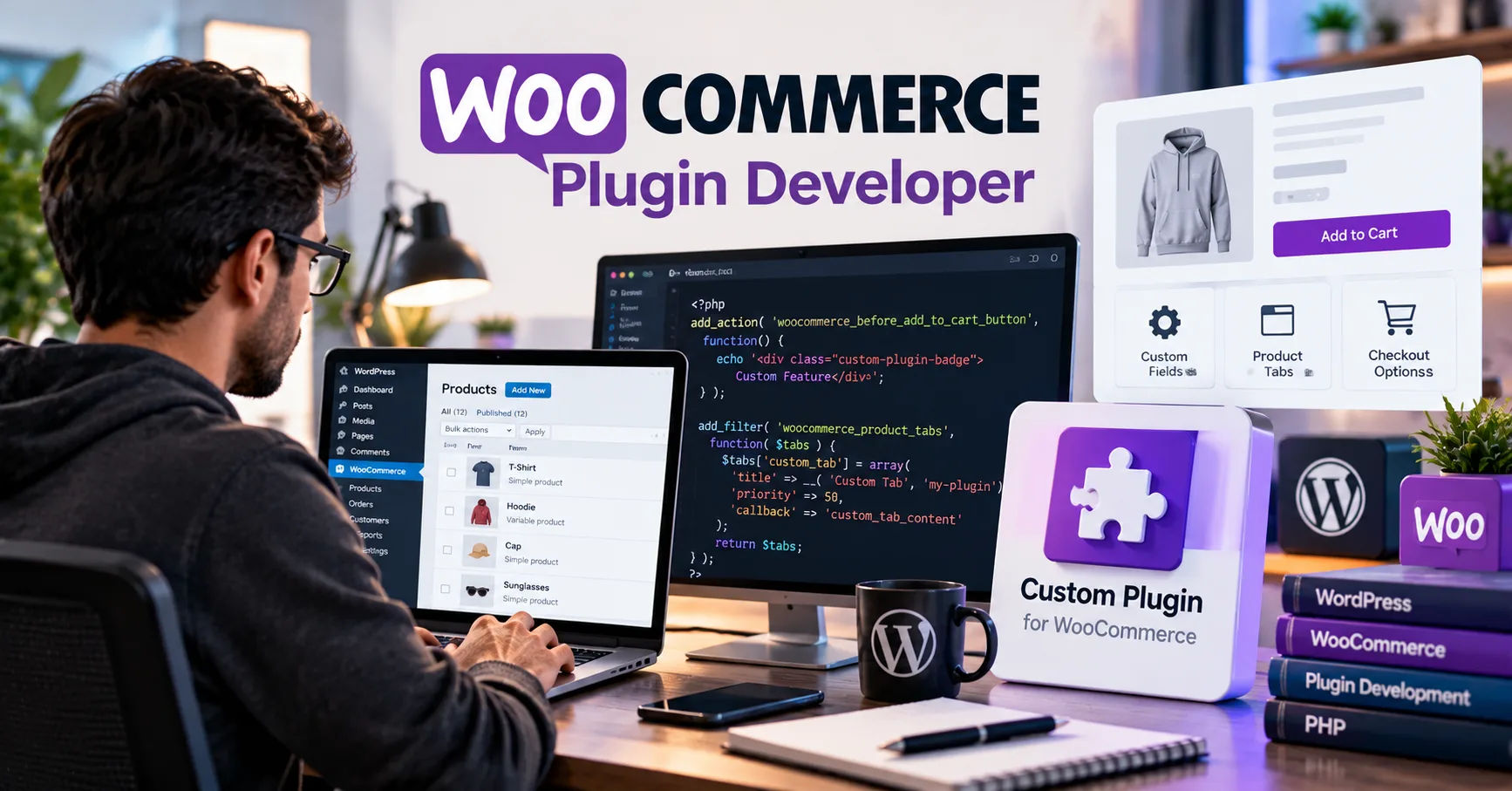 This is where a woocommerce wordpress developer can make a significant difference by creating custom product types that match specific business requirements.
Every online store has different goals. A clothing shop may need advanced product customization, while a furniture business might require made-to-order options. Similarly, a digital marketplace may need subscription-based products, and a wholesale store might need special pricing structures. Custom product types can help these businesses offer a better shopping experience without forcing their operations into a limited system.
A skilled developer can extend WooCommerce functionality by adding new product types, creating custom fields, defining pricing rules, and connecting product options with the cart and checkout process. These improvements can make a store more flexible and efficient. Understanding how custom product types work, when they are useful, and how they are developed can help store owners make informed decisions about improving their websites.
WooCommerce Product Types
Before exploring custom development, it is important to understand what product types are and why they matter. A product type determines how a product behaves in an online store. It can influence pricing, inventory management, product options, shipping requirements, and the way customers complete purchases.
WooCommerce includes several standard product types that cover many common selling situations.
Simple Products
Simple products are individual items sold without selectable variations. For example, a store selling a particular book, kitchen appliance, or decorative item may use a simple product.
Each product can have its own price, description, image, stock quantity, and shipping information. This product type is easy to manage and works well for businesses with straightforward catalogs.
Variable Products
Variable products allow customers to choose from different options associated with one product. Common examples include clothing available in multiple sizes and colors.
Store owners can assign different prices, stock levels, images, and other details to individual variations. Customers can select their preferred combination before adding the product to their cart.
Grouped Products
Grouped products allow several related products to appear together on one page. Customers can select individual items from the group and purchase them together in a convenient way.
For example, a store might display a collection of office supplies that includes notebooks, pens, and folders.
Virtual and Downloadable Products
Virtual products do not require physical shipping. They are useful for services, consultations, and appointments.
Downloadable products provide digital files that customers can access after purchasing. Examples include e-books, templates, music files, and software downloads.
These options demonstrate WooCommerce's flexibility. However, businesses with specialized requirements may need product types that go beyond these standard features.
Can a Developer Create New WooCommerce Product Types?
Yes. A developer can create custom WooCommerce product types by extending the platform's existing product architecture. This allows an online store to support selling methods and product behaviors that are not available through the default settings.
For example, a business could introduce a rental product type that calculates prices according to the rental period. A food business might require products with selectable ingredients and preparation options. A manufacturing company could need configurable products based on customer measurements.
A woocommerce wordpress developer can assess these requirements and determine the best technical approach. Depending on the complexity of the project, the solution may involve registering a new product type, extending an existing type, developing a dedicated plugin, or combining several approaches.
The main objective is to create a reliable product experience that fits the business without interfering with WooCommerce's essential functions.
Creating a Custom Product Class
WooCommerce uses PHP classes to define product behavior. A developer can create a custom class that extends an appropriate WooCommerce product class and introduces additional functionality.
The custom class can define how the product handles pricing, inventory, purchasing, and other operations. It can also include methods for working with specialized product data.
For instance, a rental product might need to store a rental duration and calculate its price using a daily rate. A configurable product could use customer selections to determine the final price.
The developer must ensure that the new class works with the WooCommerce version being used and follows established development practices. Correct implementation helps reduce compatibility problems and makes future maintenance easier.
Registering the New Product Type
After creating the required class, the developer needs to register the new product type so WooCommerce can recognize it.
This typically involves using WooCommerce and WordPress hooks to integrate the custom type into the product system. The implementation must make the type available where appropriate in the product administration interface.
Once registered correctly, the new product type can become part of the store's product management workflow.
Registration alone is not enough, however. The developer must also build the administrative controls, customer-facing display, pricing behavior, and purchasing logic required to make the product useful.
What Features Can Custom Product Types Include?
Custom product types can support many different features. The exact functionality depends on the business model and the needs of its customers.
Custom Pricing Rules
Standard WooCommerce products generally use straightforward pricing structures, although variable products can have different prices for different variations.
Custom product types can introduce more advanced calculations. For example, a rental product could charge according to the number of days selected. A printing service might calculate the price based on page count, paper quality, and finishing options.
A developer can establish rules that calculate the total price from customer selections. These calculations should be validated on the server rather than relying only on browser-based scripts.
Accurate pricing helps prevent mistakes and ensures that customers see a reliable total before completing their orders.
Advanced Product Customization
Some businesses sell products that customers must personalize before purchasing.
Examples include engraved gifts, customized clothing, printed packaging, and furniture made to specific measurements.
A custom product type can provide fields for entering text, choosing colors, selecting materials, or submitting measurements. Depending on the requirements, it may also support file uploads and conditional options.
The product page can display only the relevant fields and explain which selections are required. This makes customization easier for customers and helps store owners receive complete order information.
Specialized Inventory Management
Inventory requirements vary between businesses. A store selling physical items may track individual units, while a rental business needs to know when an item is already reserved.
Custom product types can introduce specialized availability rules, stock calculations, or resource management features.
For example, a camera rental store could prevent two customers from reserving the same camera for overlapping periods. A business selling made-to-order furniture could manage production capacity instead of relying only on ordinary stock quantities.
These systems require careful planning because inventory errors can lead to overselling, scheduling conflicts, and dissatisfied customers.
Subscription and Recurring Payment Features
Some businesses earn revenue through recurring purchases. Examples include membership services, monthly product boxes, and maintenance plans.
A custom product type can help organize the information and purchasing rules associated with these offerings. However, recurring payments also require appropriate payment gateway support, subscription management, renewal processing, and cancellation handling.
A developer may integrate an established subscription extension instead of rebuilding its payment functionality from scratch. This approach can reduce complexity and improve maintainability.
Additional Shipping and Delivery Options
Custom products may require specialized delivery arrangements.
For example, furniture might need scheduled delivery, while refrigerated products may require particular shipping conditions. Other products may need installation services or local pickup.
A custom product type can collect relevant delivery information and apply appropriate rules. The developer must also ensure that shipping calculations, order details, and checkout behavior remain consistent with WooCommerce.
How the Development Process Works
Creating a new product type requires more than writing a small amount of code. A structured process helps ensure that the feature meets business needs and remains dependable.
Step 1: Identify Business Requirements
The first step is to define what the product type should accomplish.
The business owner should explain how customers will use the product, how prices will be calculated, whether inventory is required, and what information must be collected during checkout.
For example, a rental business should define minimum rental periods, booking dates, deposits, late fees, and availability rules before development begins.
Clear requirements reduce confusion and help the developer estimate the project's scope.
Step 2: Choose the Right Technical Approach
Not every new product feature requires a completely new product type.
Sometimes, an existing variable product or an established extension can provide the necessary functionality. In other situations, custom fields and additional validation may be sufficient.
A woocommerce wordpress developer should compare these options before deciding on a solution.
Creating a new product type is most useful when the product needs distinct behavior, such as unique pricing calculations, inventory rules, or purchasing requirements.
Choosing the simplest suitable approach can save money and reduce long-term maintenance work.
Step 3: Develop the Product Administration Interface
Store administrators need an easy way to create and manage products.
The developer can add custom fields to the product editing screen, organize settings into logical sections, and provide clear instructions for each option.
For example, a rental product might include fields for daily pricing, minimum rental duration, refundable deposits, and booking restrictions.
The interface should validate important information and display helpful error messages. Good administrative design reduces mistakes and makes the system easier for staff members to use.
Step 4: Build the Customer-Facing Product Page
The next step is to display the product options on the website.
The developer can create a layout that presents relevant choices, explains pricing, and guides customers through the purchasing process.
For a customized product, the page might show material choices, dimensions, and personalization fields. For a rental product, it could display a date selector and the calculated rental cost.
The interface should work on desktop computers, tablets, and mobile phones. Clear labels, accessible controls, and understandable instructions help customers complete their selections with confidence.
Step 5: Connect the Product to Cart and Checkout
After customers select their options, the chosen information must travel correctly through the purchasing process.
The developer needs to ensure that product data is validated, prices are calculated correctly, and required selections remain associated with the cart item.
Relevant information should also appear in the order details so that store administrators can process purchases accurately.
For complex products, the implementation may need additional safeguards to prevent customers from changing prices or submitting invalid information through manipulated requests.
Step 6: Test the Complete Workflow
Testing is essential before the custom product type becomes available to customers.
The developer should test product creation, editing, pricing, stock management, cart behavior, checkout, order emails, and refunds where relevant.
Different customer selections should be tested to identify calculation errors and unexpected behavior.
The solution should also be checked against the active WordPress theme, payment gateways, shipping extensions, and other important plugins.
Testing should cover mobile usability, security, performance, and accessibility. A feature that works only in a developer's test environment is not ready for a live store.
Should You Use a Custom Plugin or Modify the Theme?
A common decision is whether to build custom product functionality inside a dedicated plugin or place it in the active theme.
Why a Dedicated Plugin Is Usually Better
A dedicated plugin keeps business functionality separate from the website's visual design. If the store owner changes themes, the custom product type can continue working as long as the plugin and its dependencies remain compatible.
A plugin also provides a clearer place to organize product classes, settings, validation rules, and integration logic.
This separation makes the functionality easier to maintain, test, and update.
When Theme Customization May Be Appropriate
Theme customization is generally better suited to presentation changes, such as modifying the product page layout or adjusting how product details appear.
Core purchasing rules and product behavior should not depend unnecessarily on the theme. Otherwise, a redesign could disrupt important store operations.
For substantial product functionality, a dedicated plugin is usually the more reliable choice.
Compatibility, Security, and Maintenance
Adding a custom product type introduces responsibilities that continue after development is complete.
Maintaining WooCommerce Compatibility
WooCommerce and WordPress receive updates that may affect how extensions interact with the platform. Developers should follow official APIs and avoid relying on undocumented internal behavior.
Testing updates on a staging website allows problems to be identified before they affect the live store.
A maintenance plan should include compatibility checks, bug fixes, and adjustments when dependent plugins change.
Protecting Customer and Store Data
Custom product types may collect customer measurements, uploaded files, booking details, or other information.
Developers should validate incoming data, sanitize values appropriately, and escape output before displaying it. Administrative actions must use suitable permission checks, and forms should use nonce verification where applicable.
Pricing and inventory rules should be enforced on the server. Sensitive information should not be exposed through public product pages or unnecessary order metadata.
Secure coding practices reduce the risk of unauthorized changes, malicious input, and data exposure.
Preserving Data During Updates
A custom product type may store information in product metadata or other appropriate storage structures. Developers should plan how that information will be preserved when the plugin changes.
Database migrations may be necessary when the structure of stored data changes. These migrations should be designed carefully and tested on copies of real-world data.
Backups and rollback procedures provide additional protection if an update causes unexpected problems.
How Much Does Custom Product Type Development Cost?
The cost depends on the complexity of the requested functionality, the development team's experience, and the amount of testing required.
A relatively simple product type with a few custom fields may require less work than a rental system with calendar availability, deposits, automatic pricing, and cancellation rules.
Integration requirements can also affect the budget. Payment gateway connections, external inventory systems, shipping services, and subscription management may require additional development.
Before requesting a quote, store owners should prepare a clear feature list and explain their existing website setup.
It is also important to budget for testing, documentation, maintenance, and future updates rather than focusing only on the initial development price.
A well-planned project can provide better long-term value than a quick solution that becomes difficult to maintain.
How to Choose the Right Developer
Selecting the right professional can significantly affect the quality of the finished product.
Look for experience with WordPress, WooCommerce product classes, PHP, JavaScript, hooks, filters, and plugin development. Familiarity with payment processing, database management, and security practices is especially valuable for advanced product functionality.
Ask for examples of relevant projects and discuss how the developer approaches testing, compatibility, and future maintenance.
A reliable professional should explain the available options, identify potential limitations, and recommend a practical solution based on your business requirements.
Communication is equally important. The developer should document important decisions, explain how the feature works, and provide guidance for managing it after launch.
Avoid choosing a developer based only on the lowest price. A poorly designed product type may create problems with pricing, checkout, inventory, or future WooCommerce updates.
Common Mistakes to Avoid
Several mistakes can make custom product development more expensive or unreliable.
One common mistake is creating an entirely new product type when an existing type or established extension would meet the requirements. This can introduce unnecessary complexity.
Another problem is storing custom information without considering how it will appear in cart items, order details, reports, and administrative screens. Important selections should remain available wherever staff need them.
Ignoring server-side validation is another serious issue. Browser-based calculations alone cannot guarantee accurate prices or secure purchasing behavior.
Store owners should also avoid testing only the product page. The complete journey, from selecting options to completing payment and processing the order, must work correctly.
Finally, failing to plan for updates can leave a custom feature broken after a WordPress, WooCommerce, theme, or payment plugin release.
Addressing these issues early makes the development process more predictable and helps protect the store's day-to-day operations.
Conclusion
Yes, WooCommerce supports custom product type development, allowing businesses to offer products and services that require more specialized functionality than the default options provide. With the right technical approach, store owners can introduce custom pricing, product personalization, rental periods, advanced inventory rules, specialized delivery arrangements, and other features tailored to their business models.
A woocommerce wordpress developer can evaluate the requirements, determine whether an existing product type can be extended, and build a dedicated plugin when more advanced behavior is necessary. The development process should include careful planning, a practical administrative interface, a customer-friendly product page, reliable cart and checkout integration, and thorough testing.
Security, compatibility, and long-term maintenance deserve the same attention as the initial features. Following WordPress and WooCommerce development standards helps protect customer information, maintain accurate transactions, and reduce problems during software updates.
Ultimately, custom product types are most valuable when they solve a genuine business problem and make buying easier for customers. By choosing a suitable technical solution and working with an experienced developer, an online store can become more flexible, efficient, and prepared for future growth.